5. Content Presentation
After saving the calibrated screen, choose how movies and shows with different aspect ratios use it.
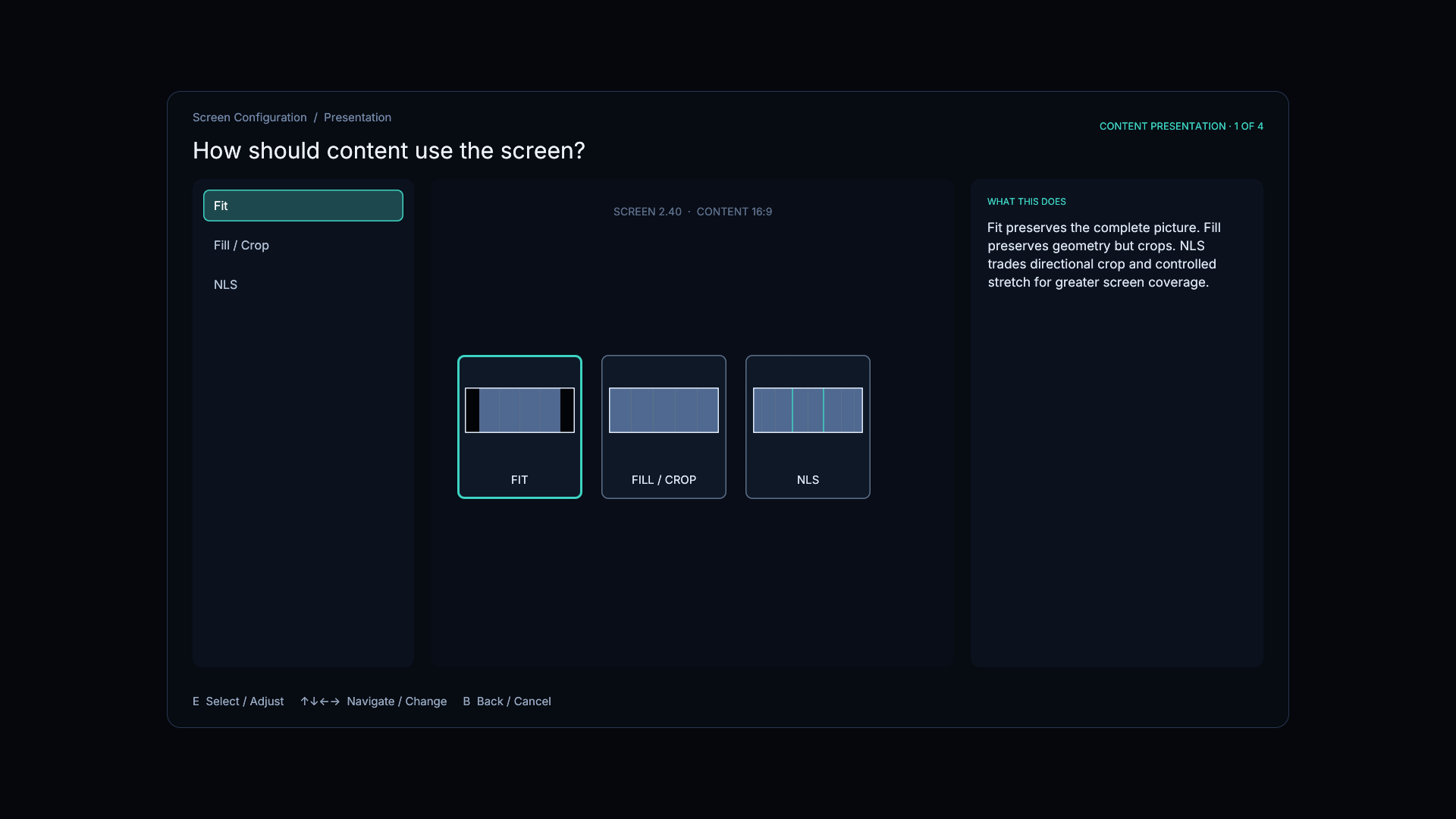
Choose one path:
- Fit keeps the complete picture and permits bars.
- Fill/Crop fills the screen uniformly and crops the opposite edges.
- NLS combines optional crop with controlled nonlinear stretching.
Continue with the guide for the selected mode:
All three branches return to Automatic Behavior when finished.
After completing the selected branch, continue to Automatic Behavior.