Video Settings
Open Main Menu → Video Settings to adjust scaling, frame mixing, debanding, and dithering.
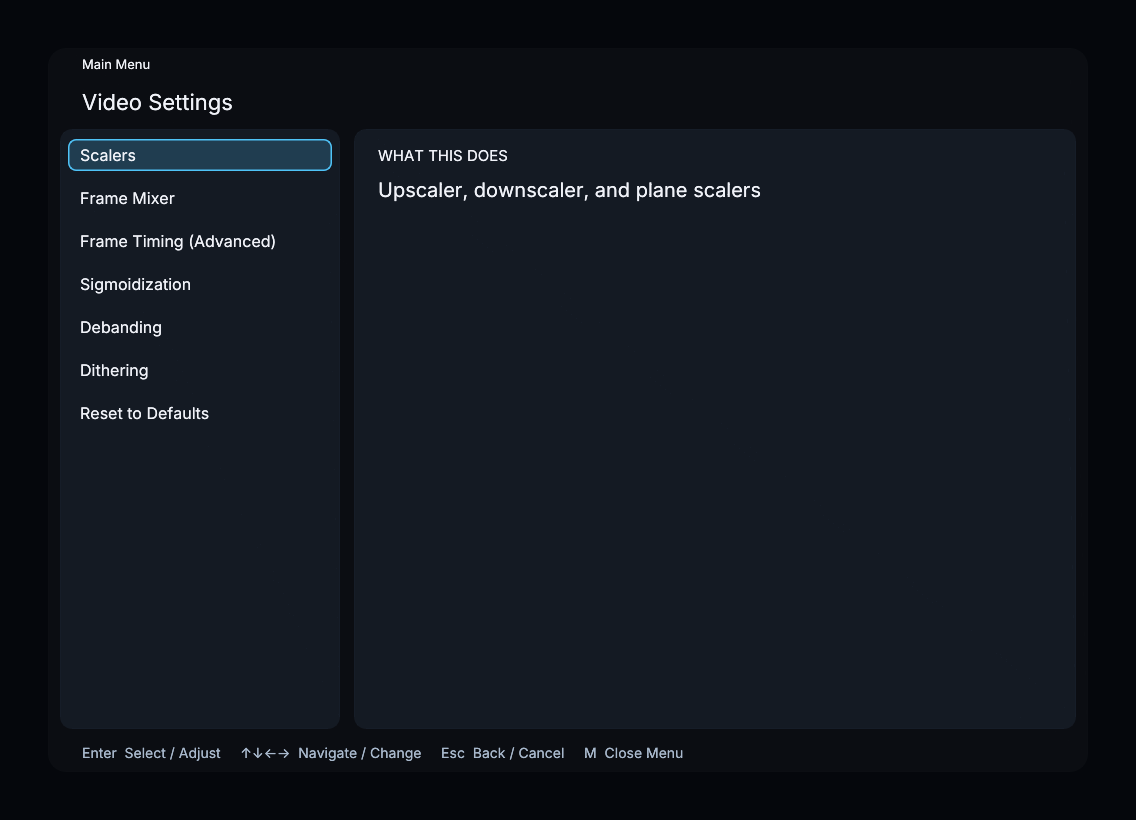
Menu sections
The sections below follow the on-screen menu order.
- Scalers — image and chroma scaling filters, plus Antiringing Strength.
- Frame Mixer — choose how frames are selected or blended when source and display rates differ.
- Frame Timing (Advanced) — interpolation threshold and timestamp drift compensation.
- Sigmoidization — reduce ringing during upscaling.
- Debanding — smooth visible steps in gradients.
- Dithering — reduce quantization banding at the output.
- Reset to Defaults — restore the Video Settings controls.
Scalers
Open Video Settings → Scalers to find these controls:
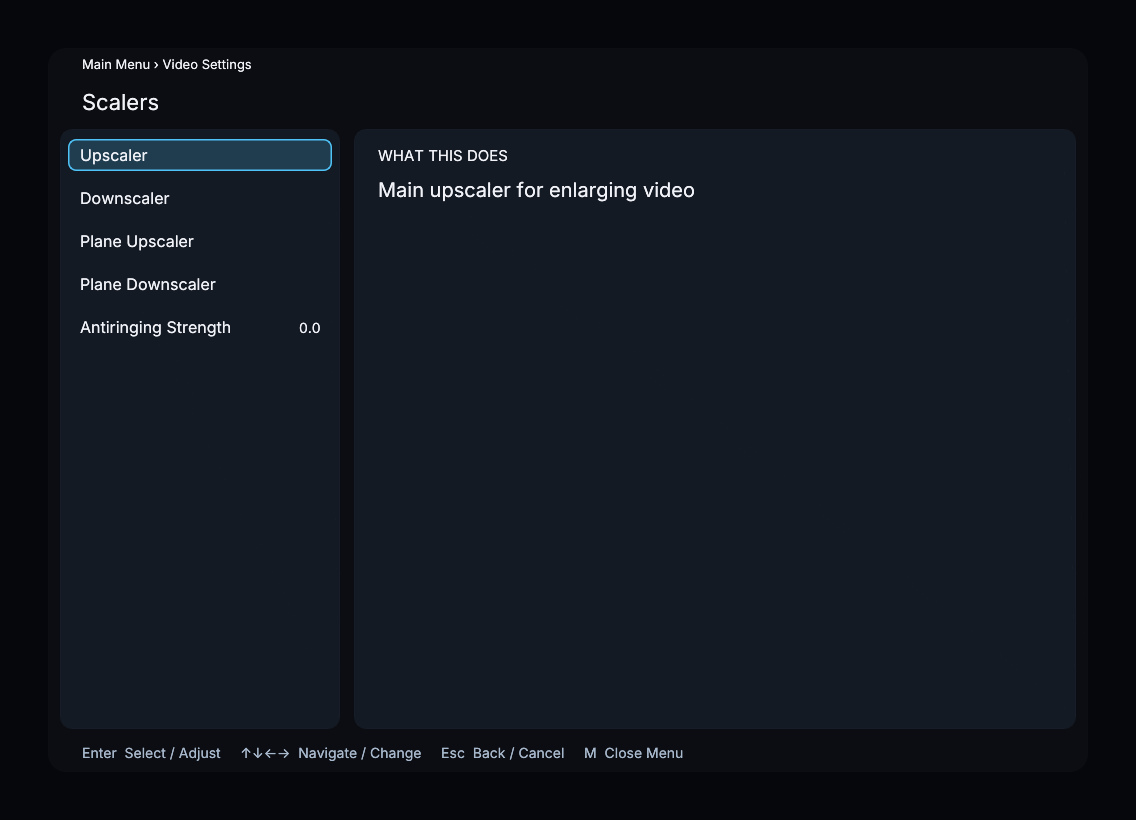
- Upscaler — filter for enlarging the image.
- Downscaler — filter for reducing the image.
- Plane Upscaler — filter for enlarging subsampled color planes.
- Plane Downscaler — filter for reducing individual planes when needed.
- Antiringing Strength — suppress halos from scaling filters.