Frame Timing
These advanced controls tune how the render queue chooses and synchronizes frames. Leave them at their defaults unless you are diagnosing cadence or clock drift.
| Control | Default | Range | Purpose |
|---|---|---|---|
| Interpolation Threshold | 0.25 | 0.00–2.00 | Below this ratio, use the nearest-frame path. Set 2.00 to force that path. |
| Drift Compensation | 0.001 s | 0.0000–0.0200 s | Snap presentation timestamps within this window. Set 0 to let cadence roll naturally. |
Change one control at a time and watch motion over a representative scene. Reset Video Settings if you need to return both values to their defaults.
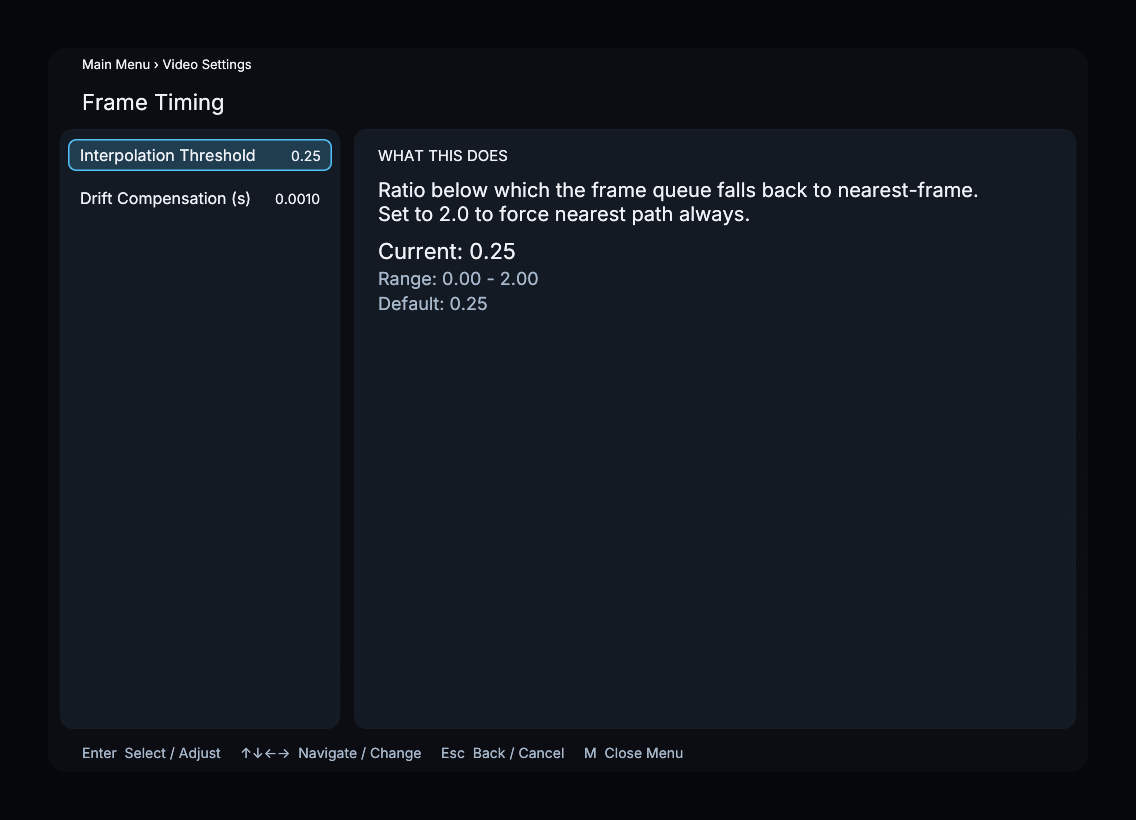
Menu path
Main Menu → Video Settings → Frame Timing (Advanced)