Gamut Mapping
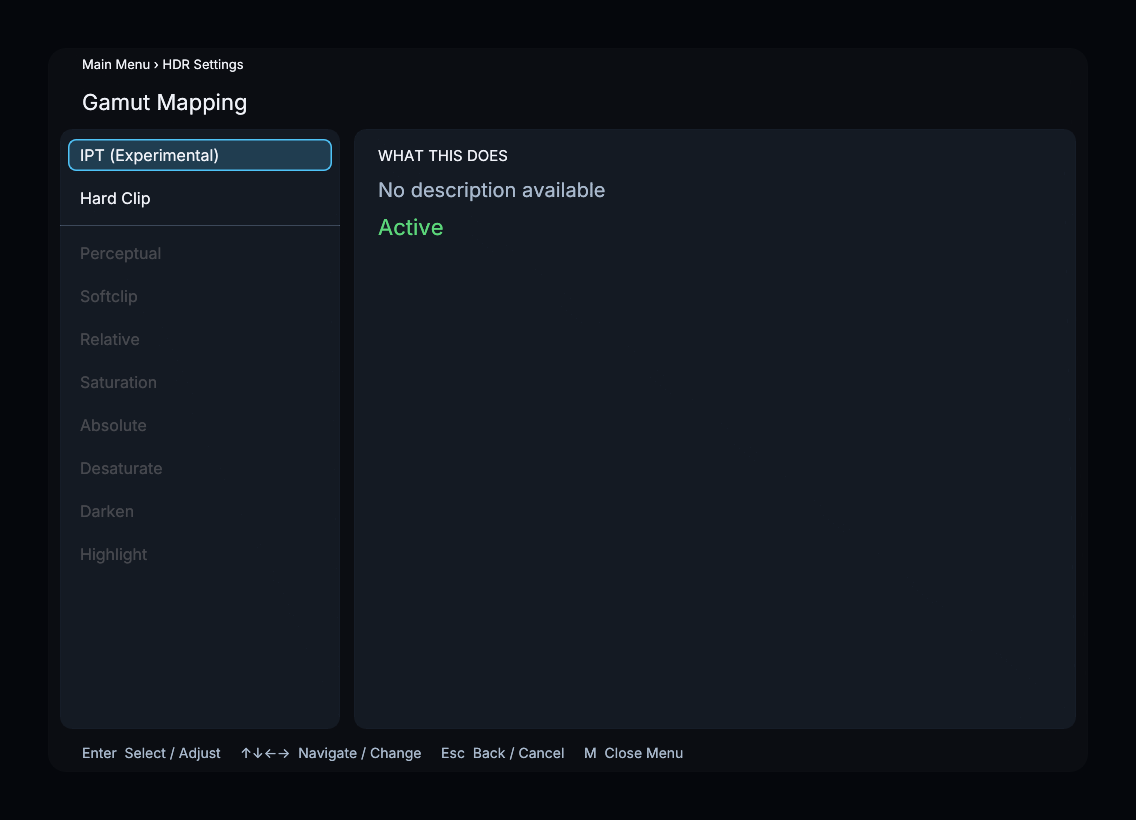
Select the gamut mapper for the active tone-mapping framework. Void’s internal Gamut Compression is configured separately under Advanced Tone Mapping → Void.
| Algorithm | Description |
|---|---|
| IPT (Experimental) | Experimental IPT gamut mapper (default) |
| Hard Clip | Hard clamp to output gamut |
| Perceptual | Perceptual softclip (Standard) |
| Softclip | Softclip with knee point (Standard) |
| Relative | Relative colorimetric clipping (Standard) |
| Saturation | Preserve hue and luminance (Standard) |
| Absolute | Absolute colorimetric clipping (Standard) |
| Desaturate | Adaptive desaturation (Standard) |
| Darken | Darken out-of-gamut colors (Standard) |
| Highlight | Highlight out-of-gamut colors (Standard) |
The plugin list depends on what is installed. Installed gamut plugins such as IPT (Experimental) and Hard Clip are available with the Void tone-mapping pipeline. The Libplacebo choices from Perceptual through Highlight are available with a built-in tone curve. The menu disables choices that do not apply to the active framework.
Menu Path
Main Menu > HDR Settings > Gamut Mapping