Sigmoidization
Apply a sigmoid transfer curve during upscaling to reduce ringing and other scaling artifacts.
Sharp scaling filters can produce halos around high-contrast edges. Sigmoidization applies a sigmoid transform for scaling and reverses it afterward to help control these artifacts.
Default: Off
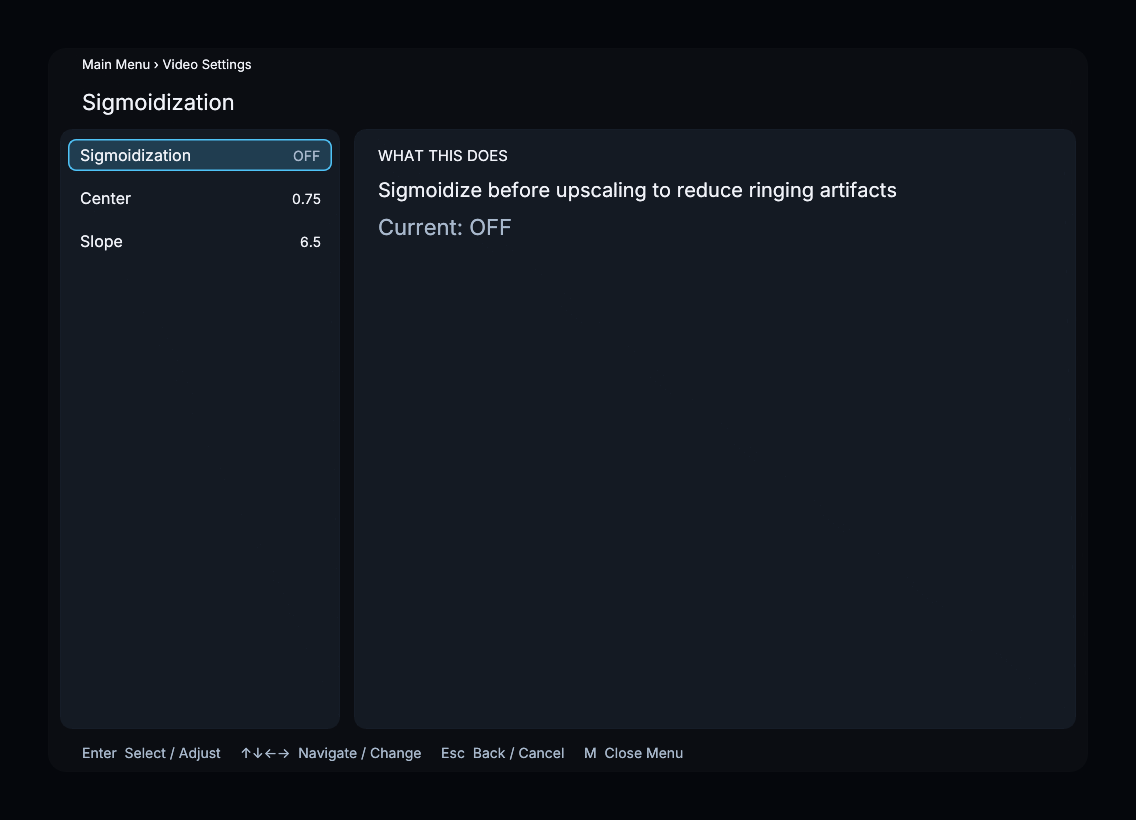
Parameters
Sigmoid Center
| Property | Value |
|---|---|
| Default | 0.75 |
| Range | 0.0 – 1.0 |
| Step | 0.05 |
The midpoint of the sigmoid curve. Higher values move the center toward highlights; lower values move it toward shadows.
Sigmoid Slope
| Property | Value |
|---|---|
| Default | 6.5 |
| Range | 1.0 – 20.0 |
| Step | 0.5 |
Controls the steepness of the sigmoid curve. Higher values produce a steeper S-curve; lower values produce a gentler curve. Compare edge detail when changing it.
Recommended Settings
- Sharp filters (Lanczos, EWA Lanczos) — enable sigmoidization to tame ringing on high-contrast edges.
- Soft filters (Bilinear, Gaussian) — compare enabled and disabled; these filters may need less ringing suppression.
- Downscaling — sigmoidization primarily benefits upscaling; it has little effect when downscaling.
Menu Path
Main Menu > Video Settings > Sigmoidization