Lens
Open Screen Configuration → Lens. The lens is configured manually; VoidVideo does not detect whether a physical anamorphic lens is installed.
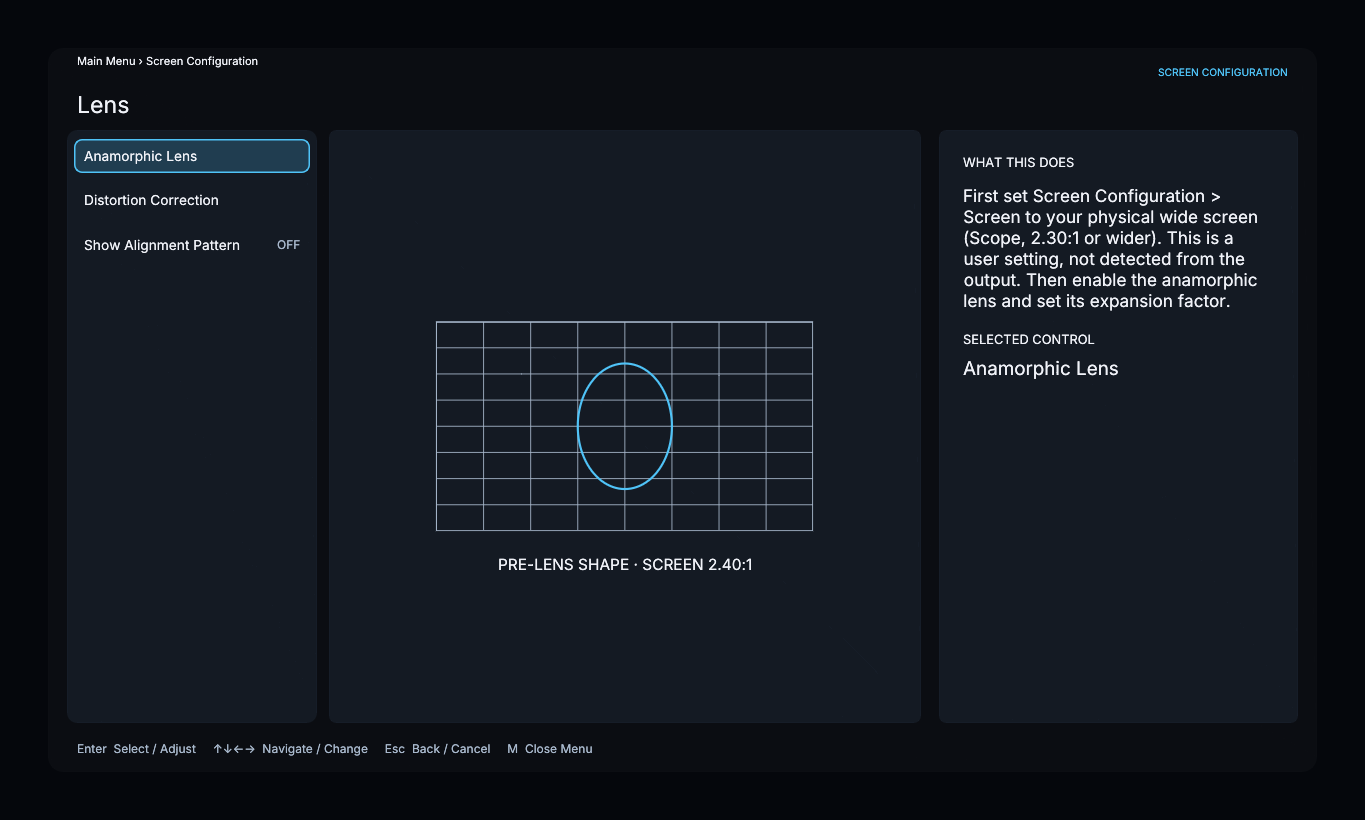
Anamorphic compensation
First set Screen to the physical screen ratio. Anamorphic Lens is available for Scope screens, 2.30:1 or wider.
Open Anamorphic Lens, turn Enabled on, and set Lens Expansion to the compensation factor for your lens. This control also supports vertical-compression lenses: a Panamorph DCR uses 1.25.
For output selection, projector settings, lens factors, and verification, follow Anamorphic Lens Setup.
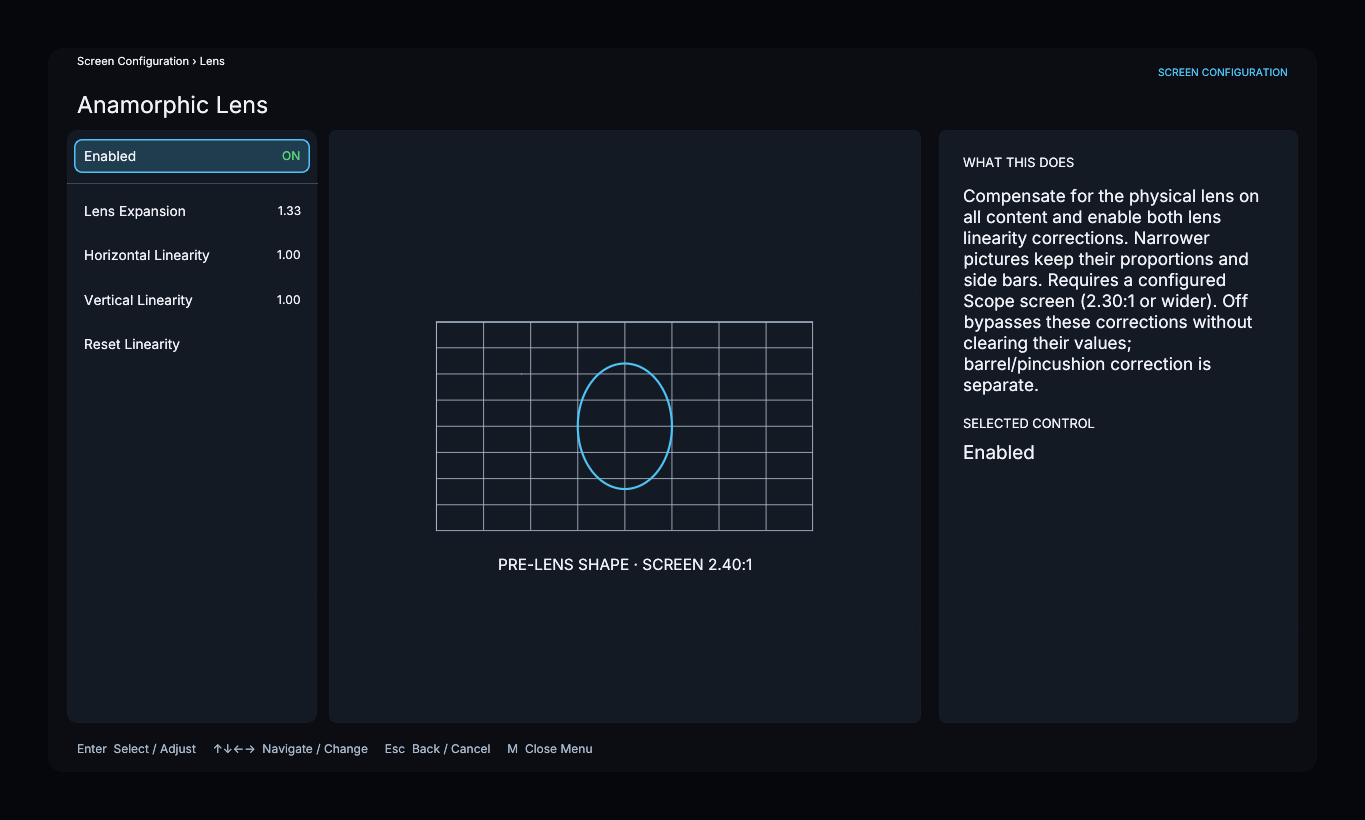
- Lens Expansion accepts factors from 1.00 to 1.50.
- Horizontal Linearity and Vertical Linearity correct uneven expansion. A value of 1.00 is neutral.
- Reset Linearity returns both linearity controls to 1.00.
Compensation applies to all content, including narrower pictures that retain their proportions and side bars. Turning it off bypasses expansion and both linearity corrections without clearing their values.
Distortion and alignment
Distortion Correction opens a separate page for barrel or pincushion correction. It is independent of the anamorphic switch.
Enable Show Alignment Pattern to display a grid inside the configured screen boundary. The pattern follows active lens compensation and geometric corrections. Turn it off when finished.