Screen
Open Screen Configuration → Screen and select the ratio of the physical screen, not the current film or video.
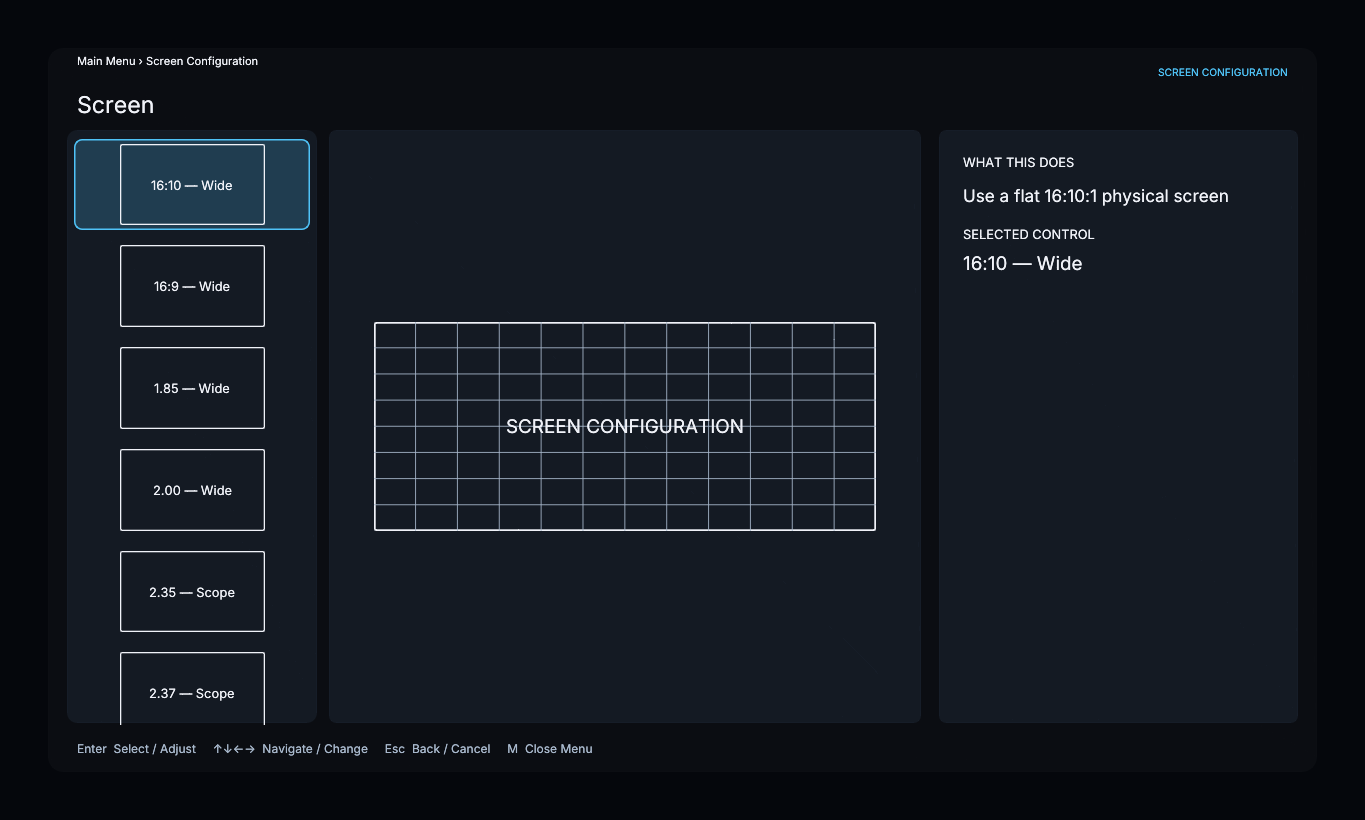
The list contains 16:10, 16:9, 1.85, 2.00, 2.35, 2.37, 2.39, and 2.40. For another ratio, select Custom and adjust Custom Aspect Ratio from 1.00 to 4.00.
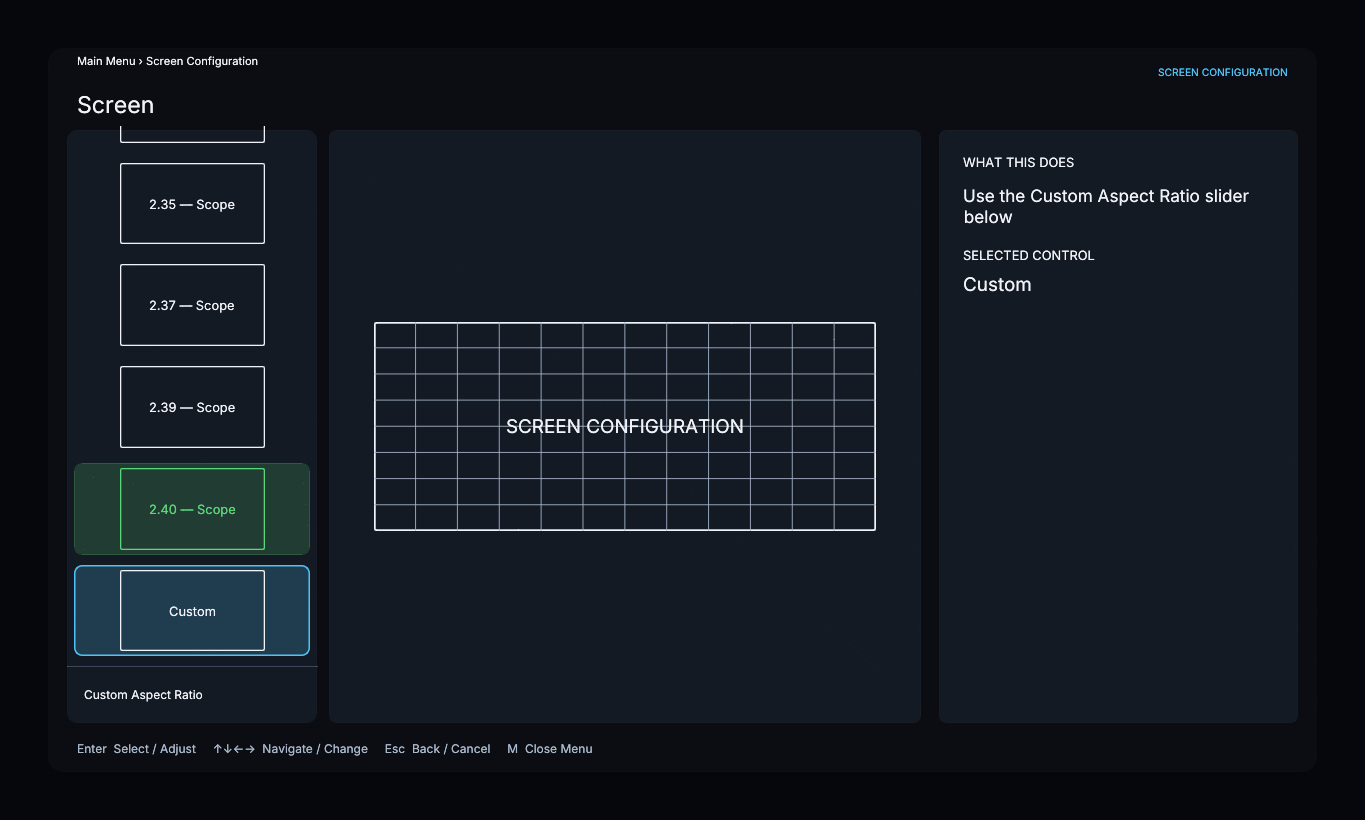
The screen ratio does not change the display output resolution. Ratios of 2.30:1 or wider are classified as Scope and make the Anamorphic Lens menu available. Selecting a Scope screen does not enable lens compensation.
This page defines a flat screen. There is no Flat/Curved selection or radius wizard in the current menu.