System Information
Open Main Menu → System Information to review the running processor, manage its network connection, open its web interface, or install updates.
Screenshots show example system and network values. Your hardware, addresses, version, and available actions may differ.
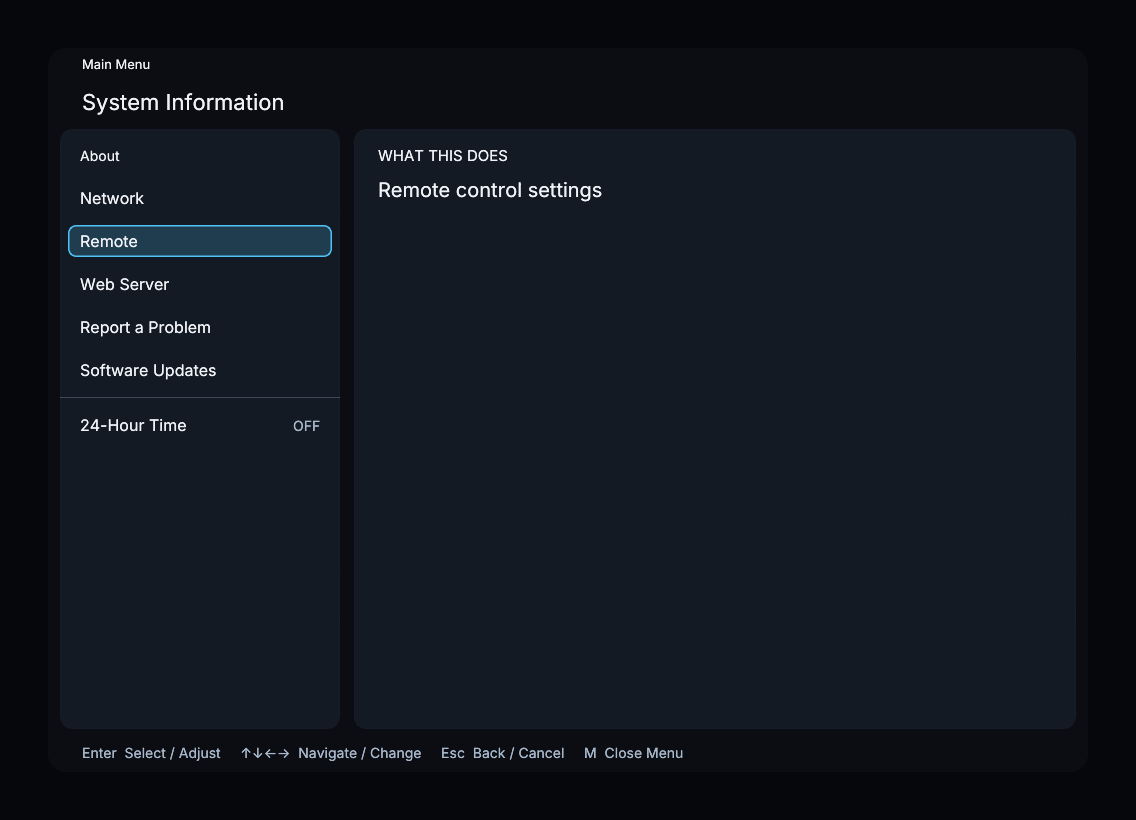
About
Select About to read the information pane; it is not a separate submenu. Available fields include Software Version, Build Date, Build Time, Processor, Architecture, Memory, Operating System, Video Driver, Graphics, Graphics Memory, Graphics Driver, Vulkan, Display, and Display Mode. Fields without reported values are omitted.
Network
The Network submenu shows Status, Active IP Address, WiFi, and Ethernet, followed by available Wi-Fi networks and connection actions.
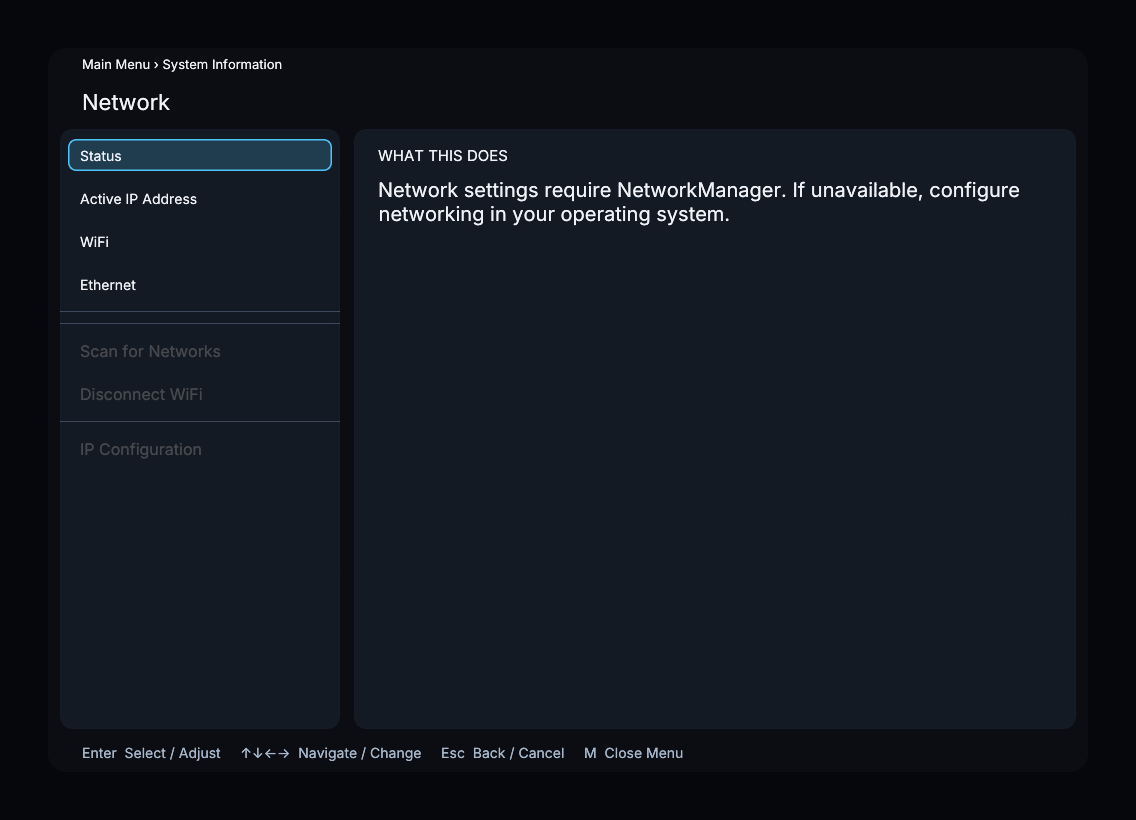
Select a network to connect; a saved network also offers Forget Network. Scan for Networks refreshes the list, and Disconnect WiFi disconnects the current wireless connection.
IP Configuration contains Use DHCP, Set Static IP, Set Gateway, Set DNS, and Apply. Wi-Fi and IP configuration actions are enabled only when the running network backend supports them.
Remote
Open Remote → UC Remote to enable or disable the Unfolded Circle remote integration.
Web Server and Report a Problem
Web Server displays the local web-interface address and a QR code. Open it from a device on the same network.
Report a Problem displays a QR code for the processor’s issue-report page.
Software Updates
Open Software Updates to check the running version, choose a channel, and install a published build.
24-Hour Time
Enable 24-Hour Time to use a 24-hour clock for displayed build times. It is off by default.