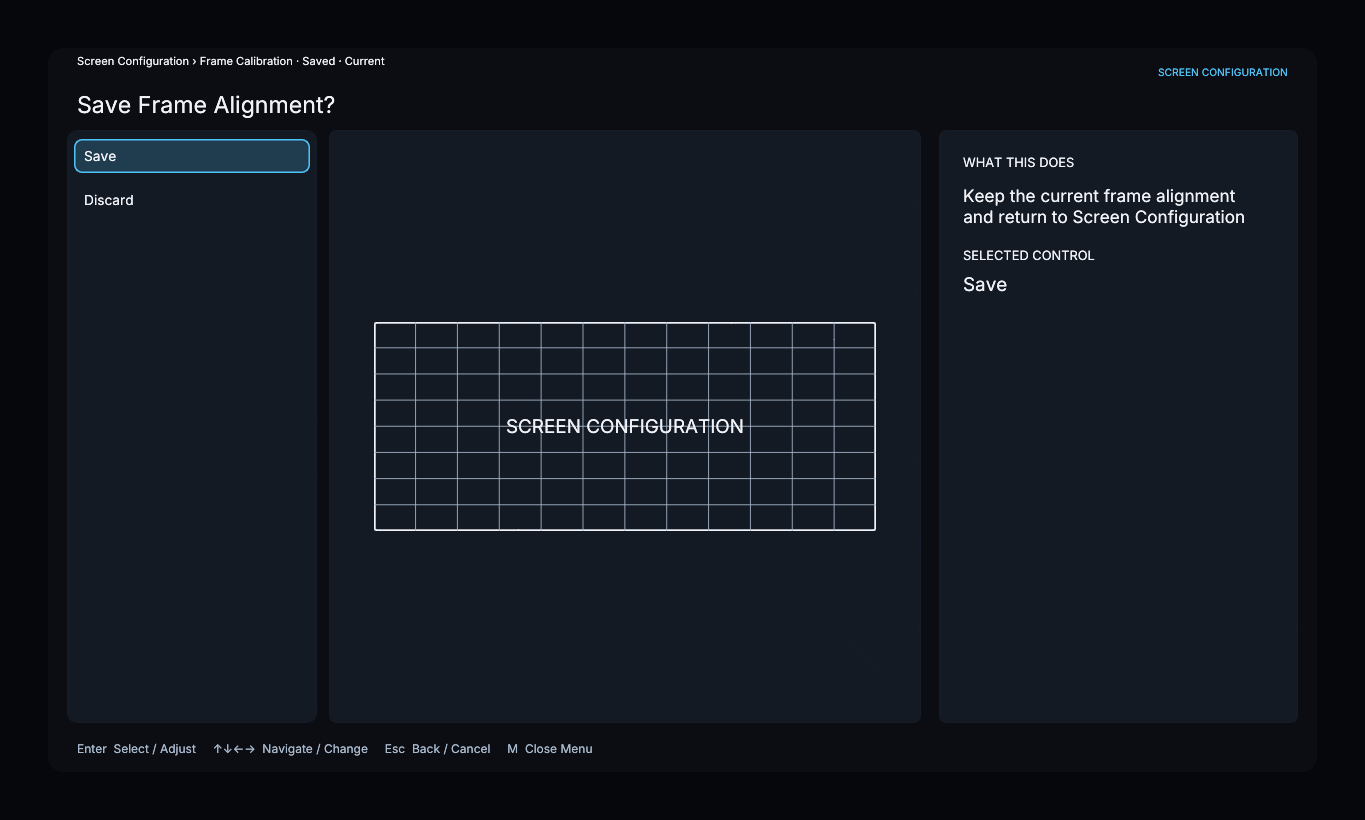
Frame Alignment
Open Screen Configuration → Frame Alignment. The editor provides sixteen handles: corners, edge midpoints, and quarter points.
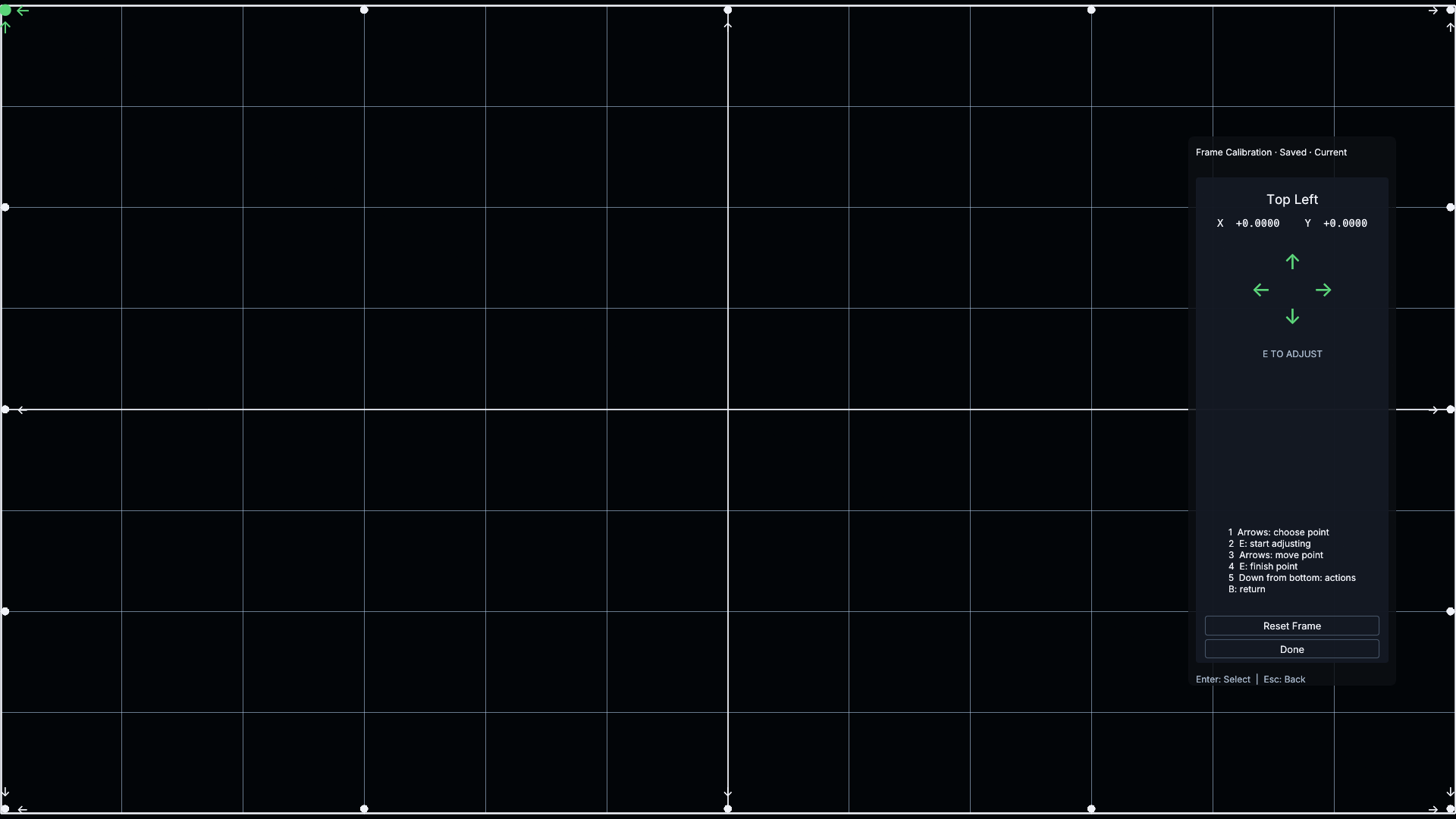
- Use the arrow keys to select a handle.
- Press Enter to begin adjusting it.
- Use the arrow keys to move the point while watching the projected grid.
- Press Enter again to finish that point.
- Repeat around the boundary.
Reset Frame returns all handle offsets to zero. Done finishes editing; when there are changes, use the save/discard confirmation to choose whether to keep them.