Skip to content

Lens Distortion Correction

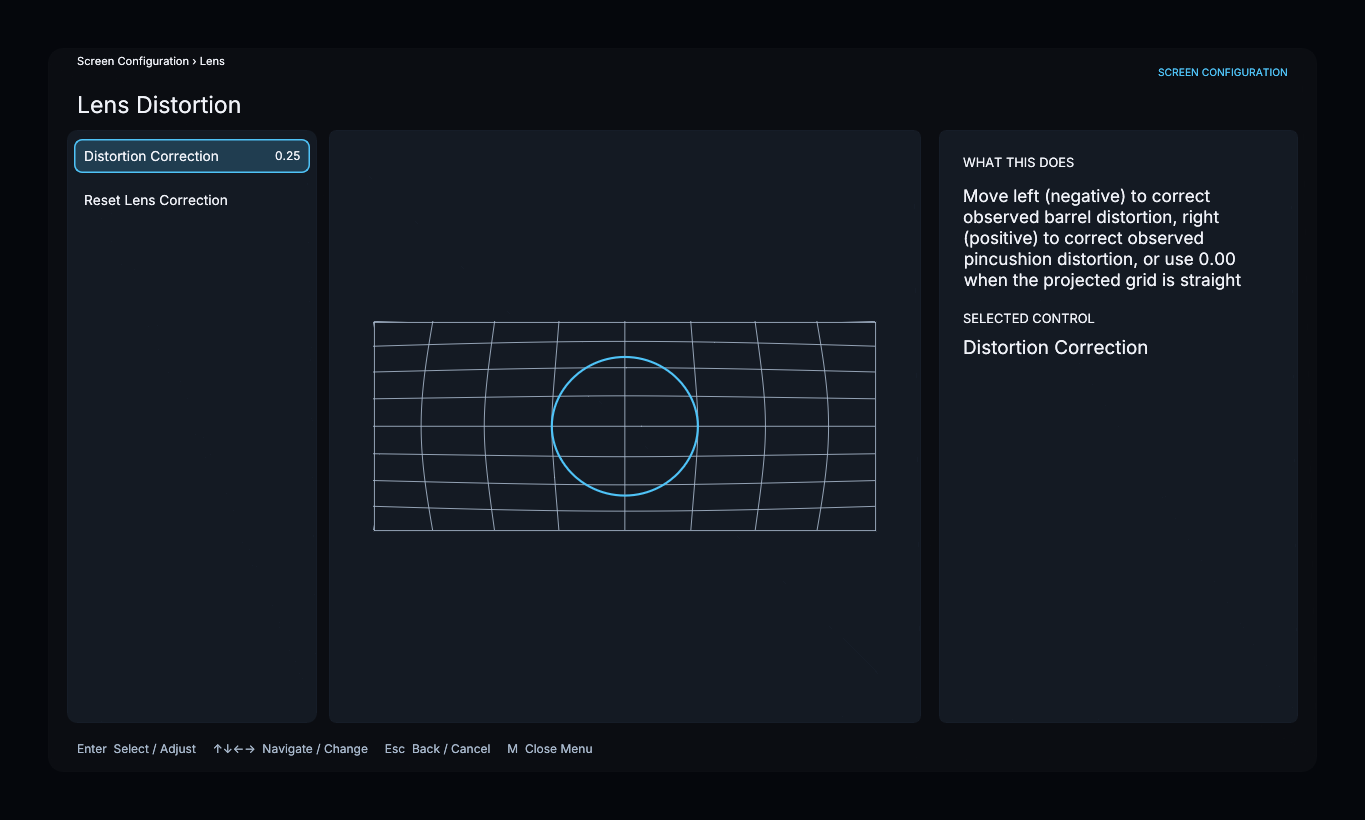
Lens Distortion Correction compensates curvature that remains after physical lens alignment. It does not select an aspect ratio, perform anamorphic stretch, or replace adjustment of the physical mount.

Complete Physical Lens Alignment first.

Identify the distortion

  • Choose Barrel when straight grid lines bow outward from the center.
  • Choose Pincushion when straight grid lines bend inward toward the center.
  • Choose None when the projected grid is already straight.

Apply the opposite compensation

Adjust Amount until the projected lines appear straight. Use Center X and Center Y to align the correction with the optical center when the distortion is not centered on the image.

Press E to adjust the selected control, use the arrows to change it, and press E again to accept it. Use Compare to alternate between the compensated and uncompensated grid. Press B while adjusting to restore the previous value.

Correct anamorphic-lens distortion using the prepared grid

If the saved screen is Curved, continue to Curved-Screen Correction. Otherwise, continue to Frame Calibration.