Frame Mixer
Choose how video frames are presented when source and display rates differ. Some options select a single source frame; others blend neighboring frames to soften cadence transitions.
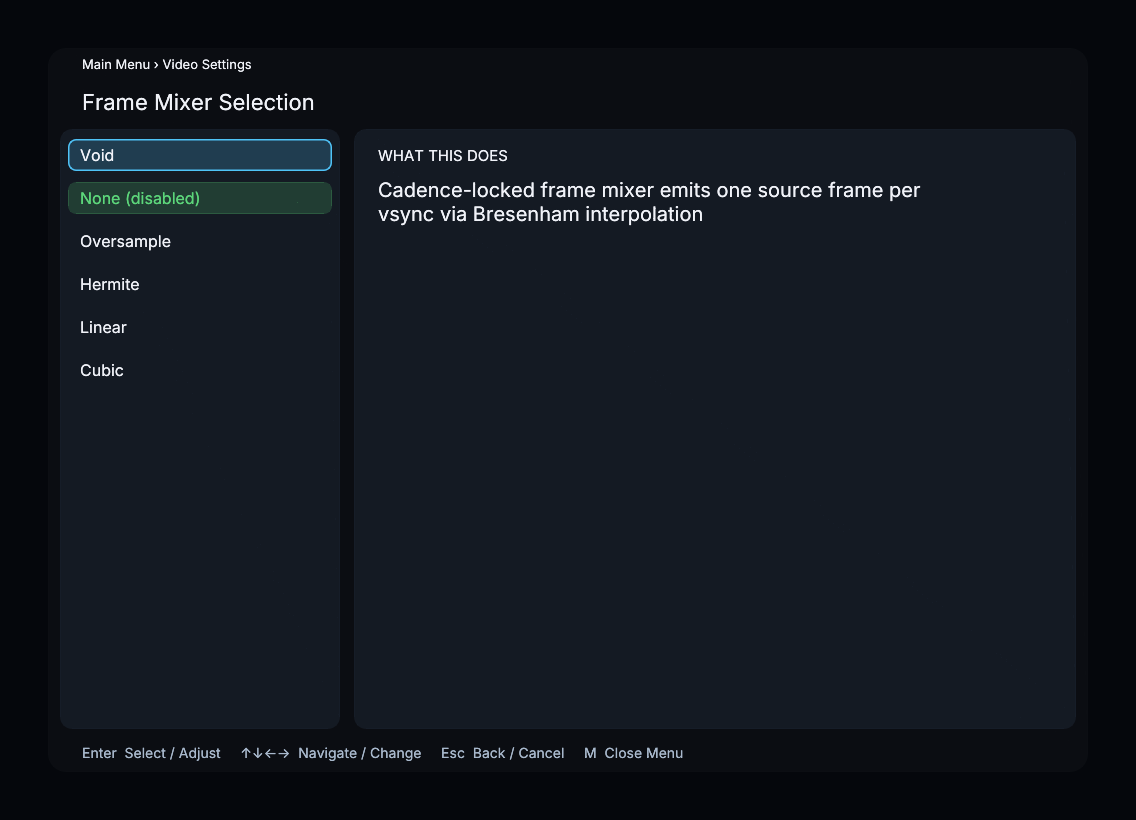
Available Options
| Mixer | Internal Name | Description |
|---|---|---|
| Void | void | Cadence-locked output that emits one source frame per display refresh using Bresenham scheduling |
| None (disabled) | none | Show the nearest frame to target PTS, no blending |
| Oversample | oversample | Only mix edge frames while preserving the source FPS |
| Hermite | hermite | Hermite-weighted frame mixing |
| Linear | linear | Linear frame mixing |
| Cubic | cubic | Cubic B-spline frame mixing |
Default: None (none) -- frame mixing is disabled.
Choosing a mixer
None selects a frame without blending. Void uses cadence scheduling without blending neighboring frames. Oversample, Hermite, Linear, and Cubic blend frames with different temporal filters; compare motion and visible blending on your own source and display. These filters do not synthesize motion-compensated intermediate frames.
Menu Path
Main Menu > Video Settings > Frame Mixer